Build And Understand a Vector Database From Scratch in 10 Easy Steps
Original Article Summary
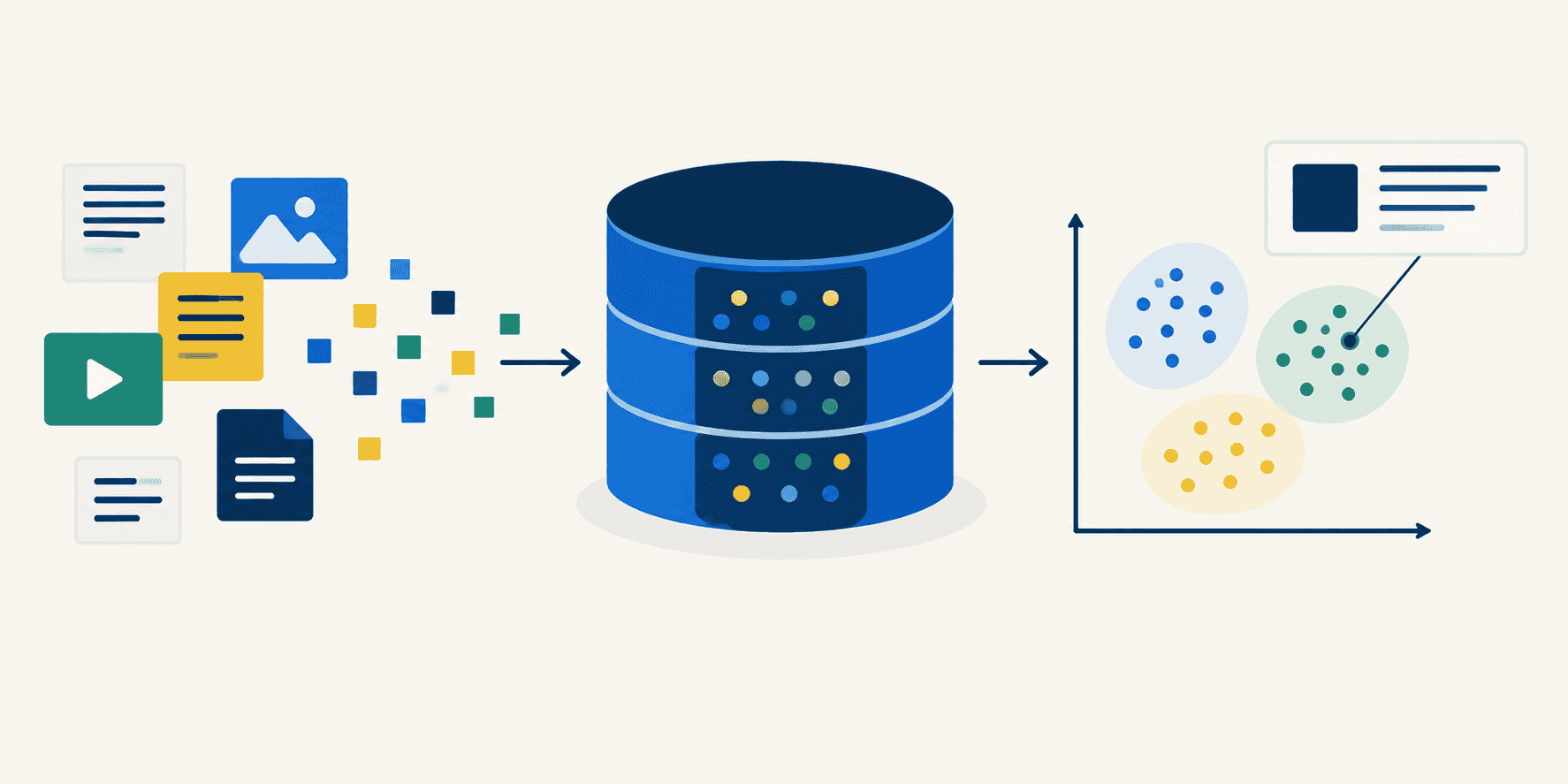
In this article, you will learn how a vector database works under the hood by building one from scratch in ten incremental steps using Python and NumPy.
Read full article at Machinelearningmastery.com✨Our Analysis
Machine Learning Mastery's guide to building a vector database from scratch using Python and NumPy demystifies the inner workings of vector search engines by walking developers through ten incremental coding steps. For website owners, this tutorial signals that more content‑driven sites can now embed lightweight, on‑premise vector databases to power semantic search, recommendation engines, and AI‑enhanced navigation without relying on third‑party SaaS APIs. The rise of DIY vector stores means bots—both legitimate crawlers and malicious scrapers—will increasingly query embeddings directly, generating higher‑frequency POST requests to endpoints that process high‑dimensional vectors. This shift can inflate server load and obscure traffic patterns, making it essential to differentiate between human visitors and AI‑driven vector queries. **Actionable tips:** 1. **Update your llms.txt** to include a `User‑Agent: *` rule that disallows `/embed/` or `/vector-search/` paths unless the request includes a verified token, preventing unauthorized AI bots from hammering your new vector endpoints. 2. Deploy a lightweight request‑signature check (e.g., HMAC‑signed headers) and log the `X‑Bot‑Name` header; then use llms.txt’s `Allow` directive to whitelist trusted crawlers like Googlebot while blocking unknown AI agents. 3. Monitor vector query traffic with llmscentral’s bot‑tracking dashboard, setting alerts for spikes in POST payload size that exceed typical search request thresholds, enabling rapid mitigation of abuse.
Track AI Bots on Your Website
See which AI crawlers like ChatGPT, Claude, and Gemini are visiting your site. Get real-time analytics and actionable insights.
Start Tracking Free →