
Gemini for Mac Now Clicks, Types and Fills Forms in a Background Window
Original Article Summary
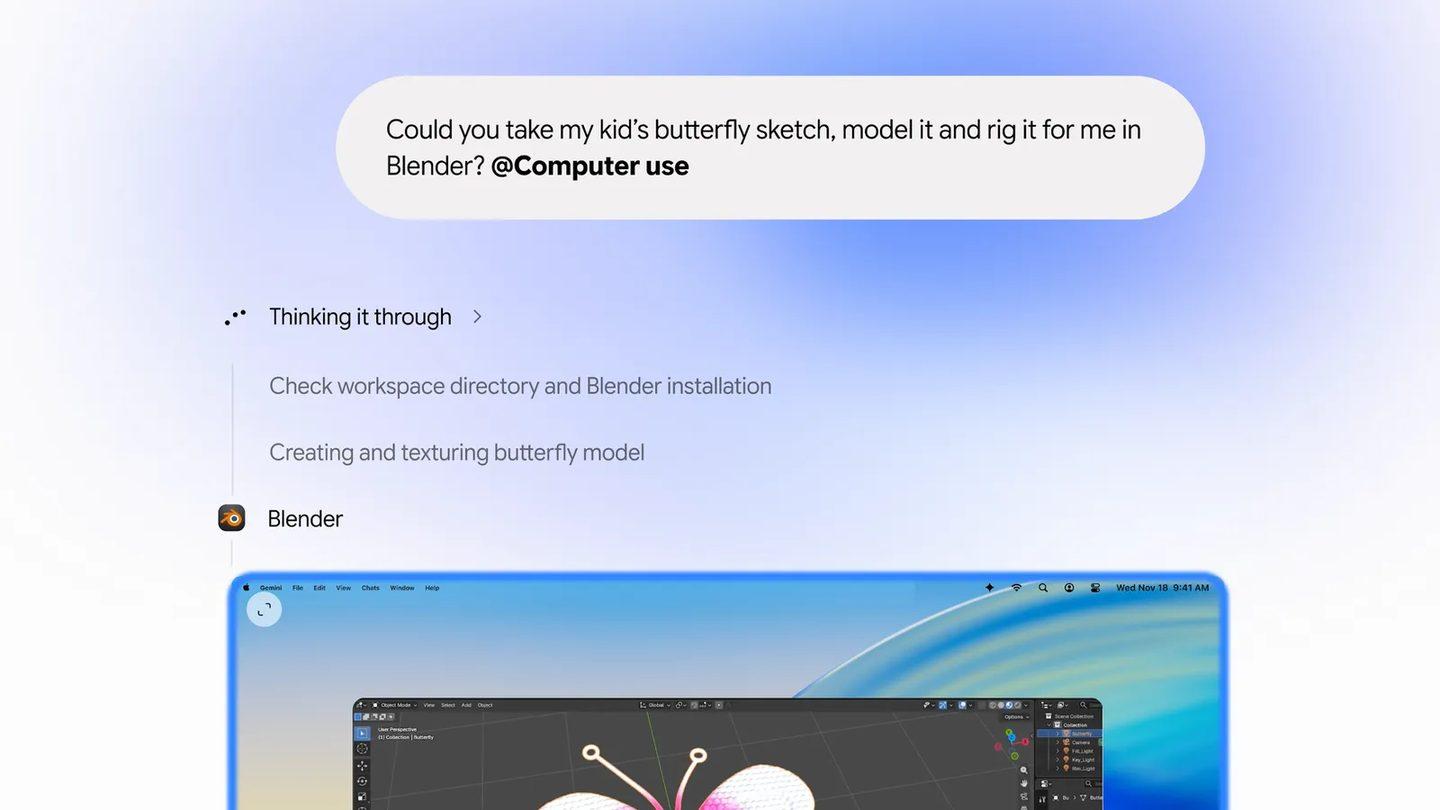
Your Mac can now handle the clicking while you work on something else. Gemini for Mac can navigate desktop apps, enter information into forms, and complete multi-step tasks through its computer use feature. It works in a separate background window…
Read full article at The Gadgeteer✨Our Analysis
Google's Gemini for Mac's new computer‑use feature lets the AI click, type and fill forms in a separate background window, enabling the model to navigate desktop apps and complete multi‑step tasks while users work elsewhere. For website owners, this means a surge of automated, human‑like interactions from Mac users employing Gemini to scrape data, submit contact forms, or test checkout flows without visible browser activity. Because Gemini operates in a hidden window, traditional bot detection that relies on front‑end cues (mouse movement, focus events) may miss these sessions, potentially inflating traffic metrics and exposing sites to credential‑stuffing or spam submissions that appear legitimate. **Actionable tips:** 1. **Update your llms.txt** to include a directive that disallows “Gemini‑Computer‑Use” agents from accessing sensitive endpoints (e.g., `User‑Agent: Gemini-Computer-Use Disallow: /login`). 2. Deploy server‑side behavioral analytics (request timing, header consistency, and hidden field validation) to differentiate background‑window activity from genuine user sessions. 3. Set up real‑time alerts for unusually high form submission rates originating from macOS IP ranges, allowing you to throttle or challenge suspicious traffic before it impacts your site.
Related Topics
Track AI Bots on Your Website
See which AI crawlers like ChatGPT, Claude, and Gemini are visiting your site. Get real-time analytics and actionable insights.
Start Tracking Free →