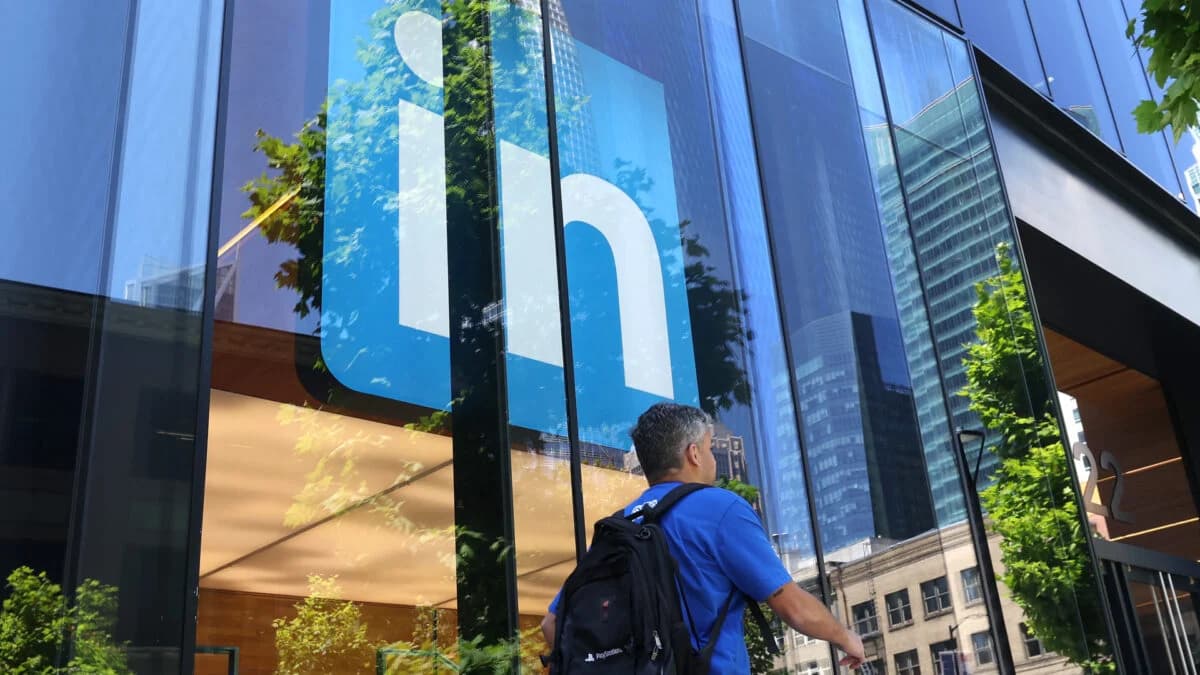
LinkedIn Gets ‘Browsergate’ Proposed Class Actions Thrown Out
Original Article Summary
A federal judge found plaintiffs couldn't demonstrate LinkedIn harmed them by scanning browser extensions.
Read full article at Gizmodo.com✨Our Analysis
LinkedIn's “Browsergate” proposed class actions were thrown out by a federal judge, who found plaintiffs couldn’t demonstrate that LinkedIn harmed them by scanning browser extensions. For website owners, the ruling underscores that LinkedIn’s internal scanning of users’ browser extensions is unlikely to trigger broad liability, but the platform’s own crawler and AI‑driven recommendation engines will continue to scrape public site data. This means traffic from LinkedIn’s bots may increase as the company refines its content personalization, and owners must ensure that any data collection complies with LinkedIn’s terms and privacy expectations. Ignoring these signals could lead to unwanted indexing of proprietary content or inadvertent exposure of user data. **Actionable tips:** 1. Add a specific `User‑Agent: LinkedInBot` entry to your llms.txt, detailing allowed paths and rate limits to control how LinkedIn’s crawler accesses your site. 2. Use llmscentral’s bot‑tracking dashboard to monitor spikes in LinkedInBot requests and set alerts for anomalous behavior that could indicate aggressive AI scraping. 3. Deploy a “robots‑meta” tag on sensitive pages (e.g., login, subscription‑only content) to reinforce llms.txt directives and prevent LinkedIn’s AI models from ingesting restricted material.
Track AI Bots on Your Website
See which AI crawlers like ChatGPT, Claude, and Gemini are visiting your site. Get real-time analytics and actionable insights.
Start Tracking Free →