
Track Brand Visibility Across AI Answer Engines with Python
Original Article Summary
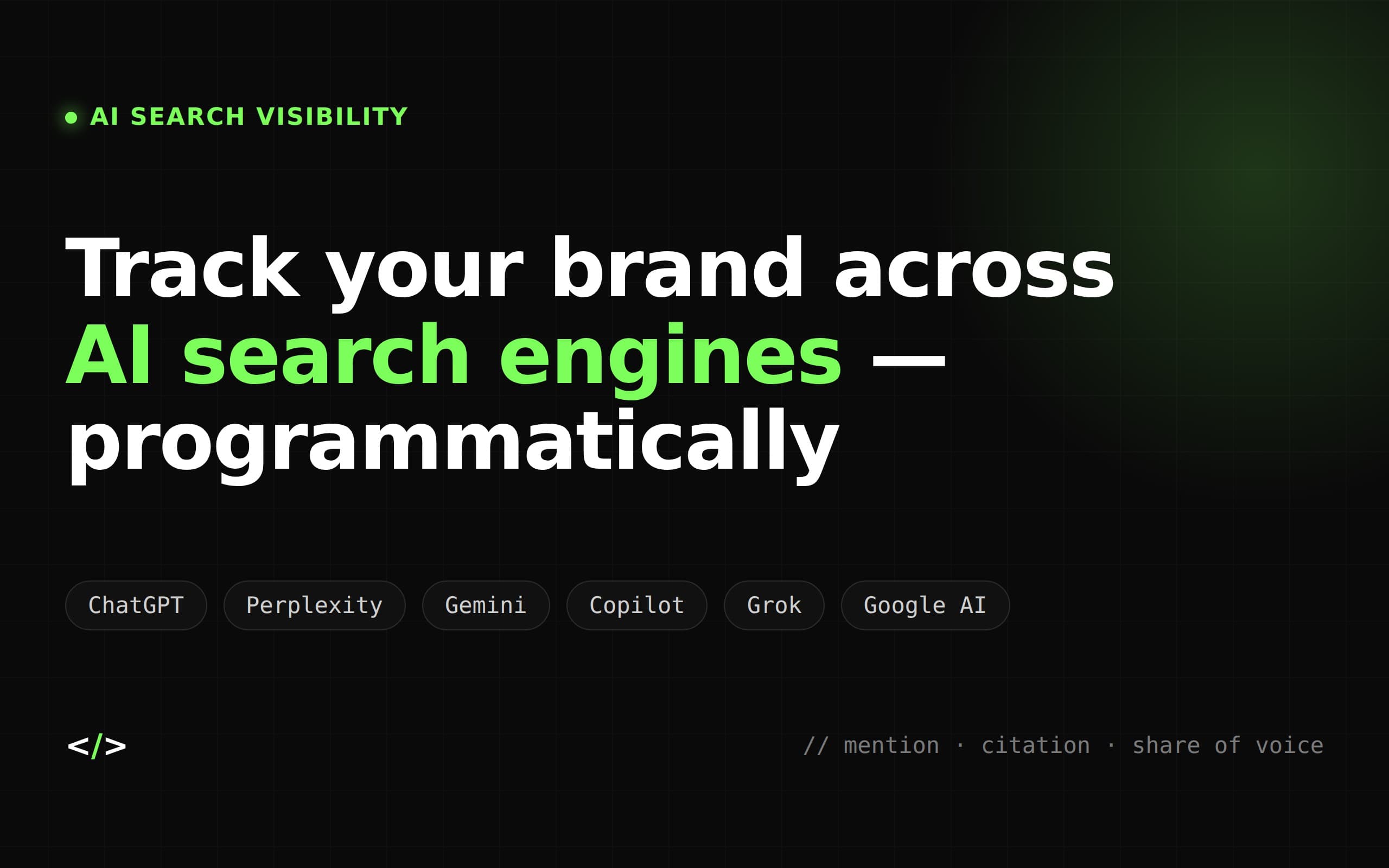
For fifteen years, "search visibility" meant one thing: where a URL sat in a list of ten blue links. That model is quietly breaking. A growing share of users now get their answer from a synthesized paragraph — generated by ChatGPT, Perplexity, Gemini, or Goog…
Read full article at Cloro.dev✨Our Analysis
Cloro.dev's guide to “Track Brand Visibility Across AI Answer Engines with Python” shows how to monitor the appearance of your URLs inside AI‑generated answer snippets from ChatGPT, Perplexity, Gemini and Google’s AI search, rather than traditional SERP rankings. For website owners this signals that brand exposure is shifting from the classic ten‑blue‑link list to AI answer engines that synthesize content on the fly. If your site’s content is being quoted or paraphrased in these AI responses, you can lose or gain traffic without ever seeing a change in Google rankings. Moreover, AI crawlers often bypass robots.txt and may not respect llms.txt directives, meaning you could be unintentionally feeding proprietary content into proprietary models. **Actionable tips:** 1. Deploy the Python script from the article to query each AI engine’s public API (or scrape their answer widgets) on a scheduled basis, logging any mentions of your domain or brand keywords. 2. Add explicit `User‑Agent: *` entries in your llms.txt that request “no‑index” for sensitive pages, then verify compliance by checking the AI‑engine logs for those URLs. 3. Use llmscentral.com’s bot‑traffic dashboard to correlate spikes in AI‑generated traffic with the script’s findings, allowing you to adjust content licensing or request removal from specific AI models when needed.
Related Topics
Track AI Bots on Your Website
See which AI crawlers like ChatGPT, Claude, and Gemini are visiting your site. Get real-time analytics and actionable insights.
Start Tracking Free →
