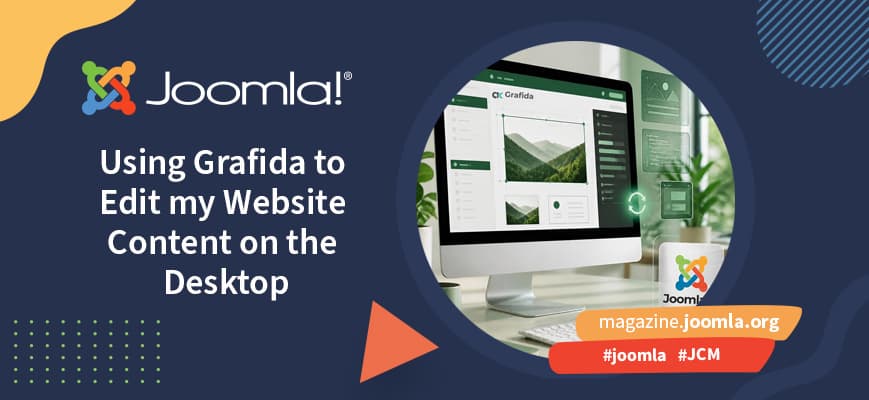
Using Grafida To Edit My Website Content On The Desktop
Original Article Summary
Grafida is a cross-platform desktop application that enables a user to create and edit content without having to login to their Joomla website.
Read full article at Joomla.org✨Our Analysis
Grafida's launch of a cross‑platform desktop application that lets users create and edit Joomla content without logging into their site marks a notable shift toward offline‑first content management for Joomla owners. For website owners, this means that content updates can now be made from a local environment, reducing the frequency of direct admin‑panel logins and the associated session traffic that AI crawlers often mimic. Because edits are pushed to the live site via API calls rather than browser sessions, the pattern of HTTP requests changes, potentially making it harder for bot‑detection tools that rely on login‑page signatures. Moreover, the offline workflow can introduce new vectors for automated content injection if the desktop client’s API keys are compromised. **Actionable tips:** 1. **Update your llms.txt** to explicitly list Grafida’s desktop client user‑agent (e.g., `User‑Agent: GrafidaDesktop/1.0`) and set `Disallow: /administrator/` to prevent bots from masquerading as the app while still allowing legitimate API calls. 2. **Monitor API endpoint traffic** with llmscentral’s bot‑tracking dashboard, flagging any spikes in POST requests to `/api/content` that originate from unknown IP ranges. 3. **Rotate Grafida API tokens regularly** and enforce IP whitelisting, ensuring that only authorized desktop instances can push content, thereby limiting malicious AI bots from exploiting the new offline editing capability.
Track AI Bots on Your Website
See which AI crawlers like ChatGPT, Claude, and Gemini are visiting your site. Get real-time analytics and actionable insights.
Start Tracking Free →